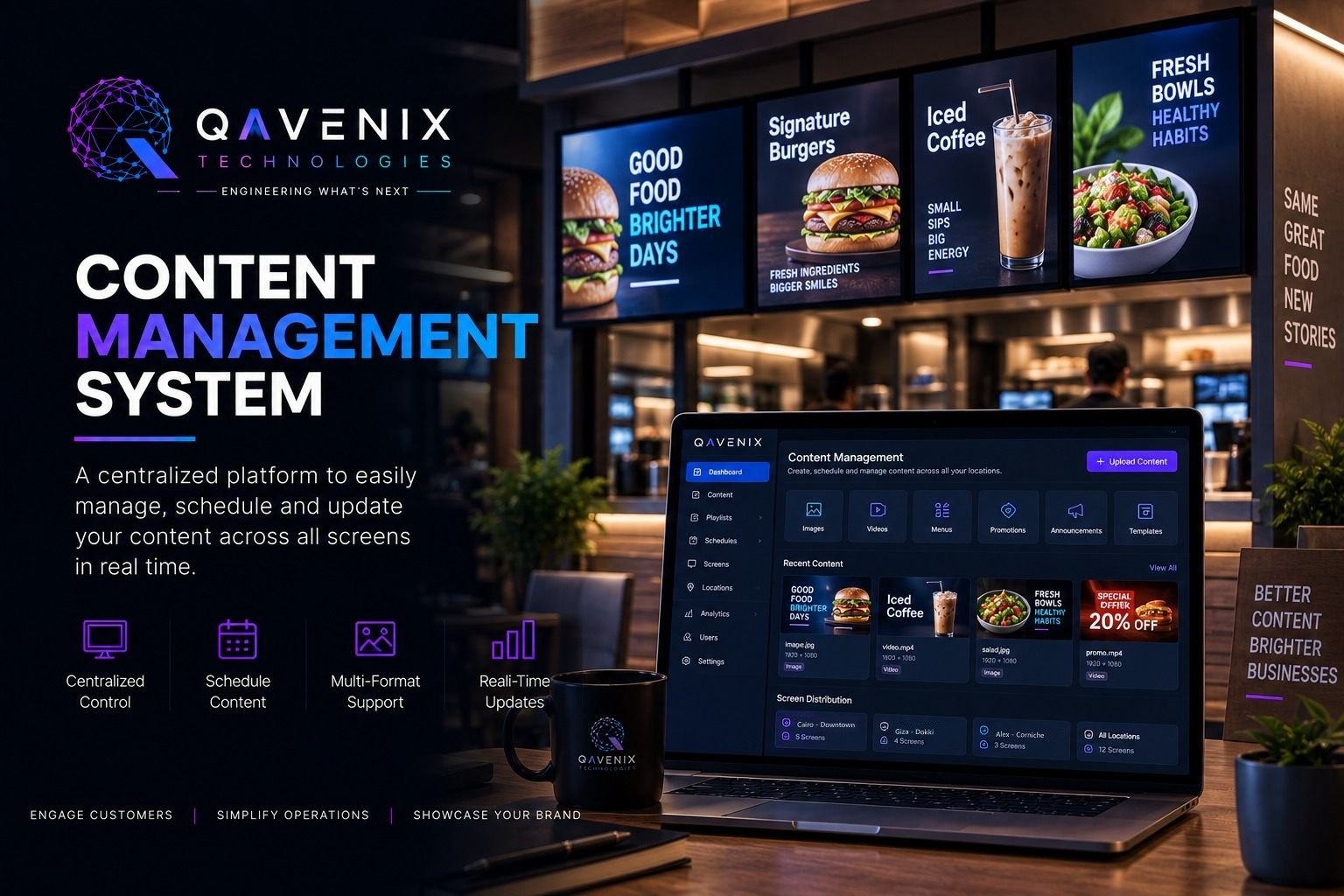
Content Management System

Menu boards, promo walls, lobby displays - when screens multiply, updating them one by one stops scaling. QAVENIX CMS publishes the right content to the right screens at the right time, from one dashboard.

WHAT'S INSIDE

01
Central Content Library
Images, videos, menus and templates organized once, reused everywhere.
02
Playlists & Scheduling
Daypart menus, weekend promos, seasonal campaigns - set the calendar and forget it.
03
Multi-Location Publishing
Push to one screen, one branch or the whole network in a single action.
04
Roles & Approvals
Marketing drafts, managers approve - nothing goes live without the right sign-off.
05
Live Preview
See exactly what a screen will show before it shows it.
06
Screen Health Monitoring
Know a display is down before your customers do - status for every player.
07
Multi-Format Support
Video, images, tickers and layouts - portrait or landscape, any size.
08
Instant Updates
Price change at noon? Every menu board follows in seconds.
09
Works With Your Screens
Drives QAVENIX LED, menu boards and displays across your locations.

FREQUENTLY ASKED QUESTIONS

What is a digital signage CMS?

A digital signage content management system (CMS) is the software that schedules and publishes content to screens such as menu boards, promo walls and lobby displays from one dashboard, instead of updating each screen by hand.

Can we update menu boards in every branch at once?

Yes. Content can be pushed to one screen, one branch or the whole network in a single action, and a price change made at noon reaches every menu board within seconds.

How do scheduling and approvals work?

Playlists run daypart menus, weekend promotions and seasonal campaigns on a calendar. Marketing drafts content, managers approve it, and nothing goes live without the right sign-off.

How do we know when a screen stops working?

Screen health monitoring reports the status of every player, so you know a display is down before your customers do.

Related guide: Digital Signage in Egypt: Menu Boards, Screens and the CMS Behind Them

READY TO CONTROL EVERY SCREEN?

Tell us how many screens and locations - we'll map the right CMS rollout.

Get a Quotation →